Different Angle
Re-shoot the same room from a camera position nobody stood in.
- Cost
- 6 credits
- Takes
- A photograph
- Returns
- One image, or several variants to choose between
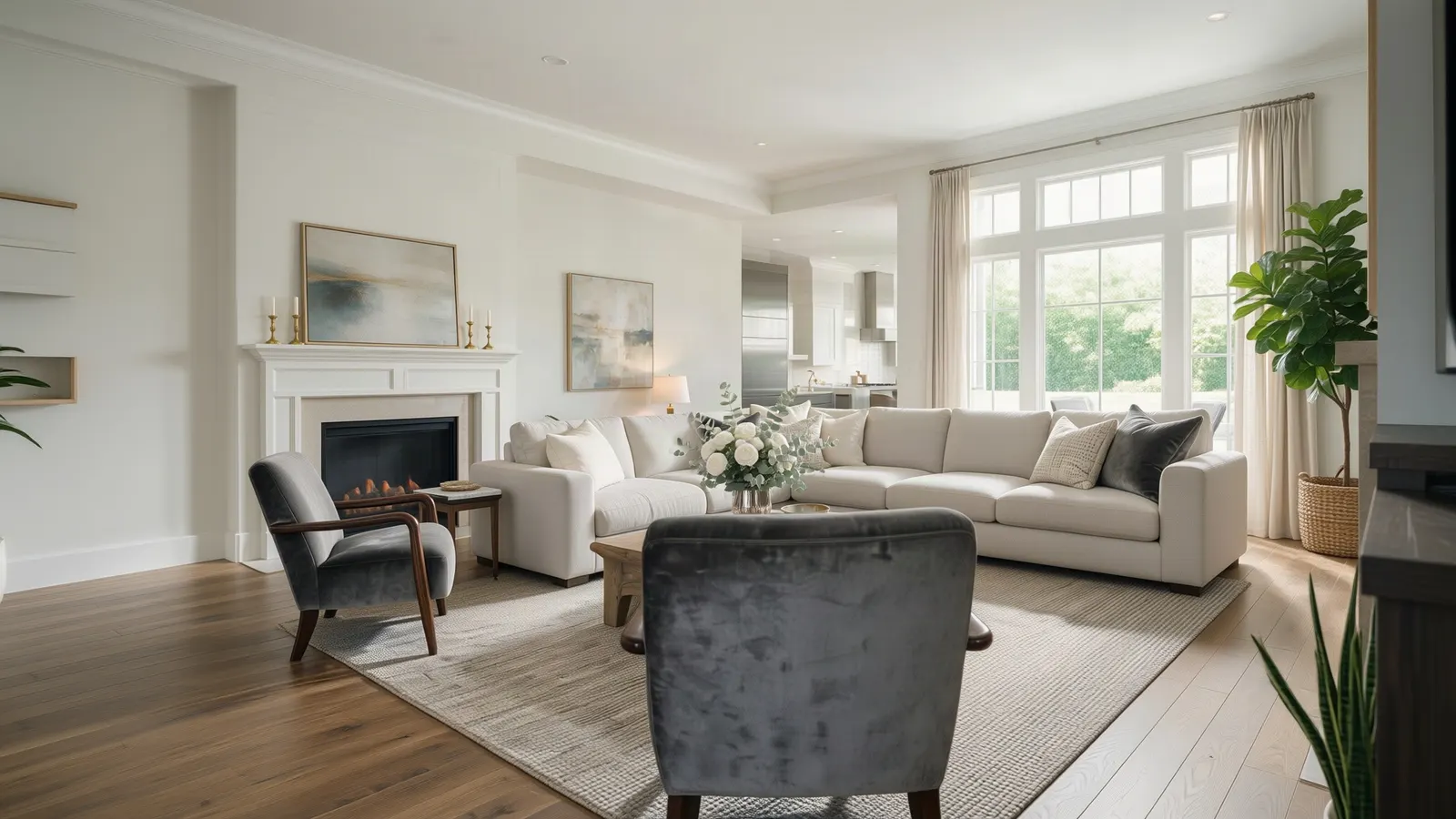 After
After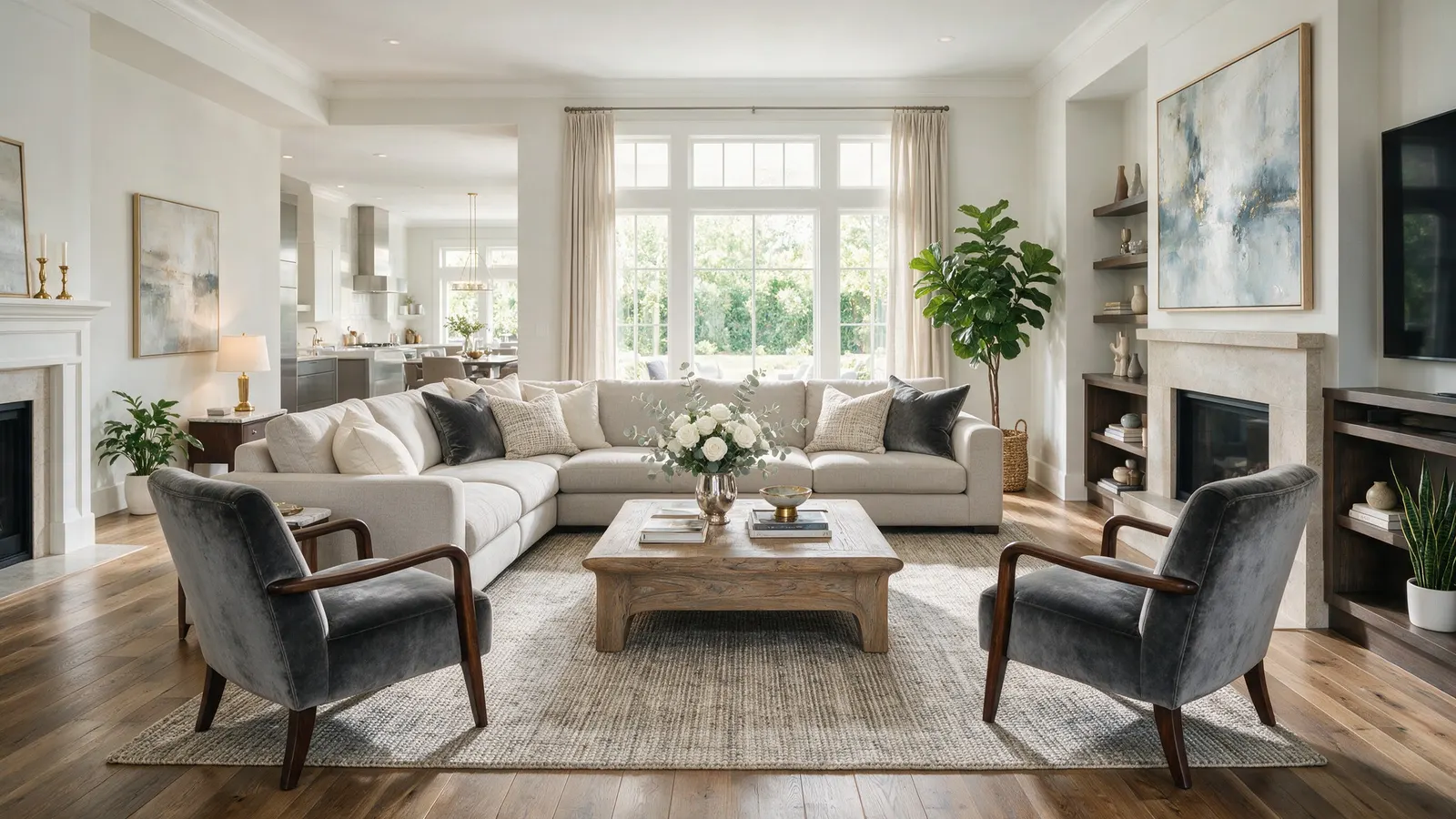 Before
The same room from thirty degrees to the right — a camera position nobody stood in.
6cGenerated by this product in August 2026 · template multiple_angles v1 · source: generated with seedream 5 pro
What you choose
Every option below is offered by this operation in the studio, and the illustrated ones are shown as photographs there rather than named in a dropdown.
Horizontal angle9 options
- As photographed
- Step left · 15°
- Step right · 15°
- Left · 30°
- Right · 30°
- Wide left · 50°
- Wide right · 50°
- Side view · 90°
- Reverse · 180°
Vertical angle6 options
- Eye level
- Just below eye · -5°
- Low angle · -20°
- Raised · 20°
- Elevated · 45°
- Bird's eye · 90°
Framing3 options
- Wide
- Medium
- Close
How it works
- 01
Upload the photograph
A straight-on shot of the room, well lit. Nothing else is needed — no 3D model, no measurements, no site visit.
- 02
Set the direction
Choose horizontal angle, vertical angle and framing. Add a sentence of your own if something specific matters.
- 03
Generate
Different Angle costs 6 credits at these settings, and the price is on the button before you press it. One image, or several variants to choose between.
Questions
- What does Different Angle cost?
- 6 credits at the default settings. Each additional variant of the same image is another 6, because a variant is another generation. Credits are reserved before the model runs and returned in full on every path that does not deliver an image, so a failed generation costs nothing.
- What do I need to upload for Different Angle?
- A straight-on shot of the room, well lit. A photograph taken on a phone is enough — there is no 3D model, measurement or site visit involved.
- Do I have to disclose an image made with Different Angle?
- In a property listing, yes. The result is a digitally altered photograph, and every market that has ruled on it requires that to be labelled where the image appears. Vizydesign keeps the original alongside every result so the unaltered frame is always retrievable.
Also in Enhance
Try it on a photograph you already have.
One upload is enough to see whether this works on your kind of photograph. The free plan needs no card.
Start free