Garden Design
Redesign the garden — planting, paving, a terrace and the way through it.
- Cost
- 2 credits
- Takes
- A photograph
- Returns
- One image, or several variants to choose between
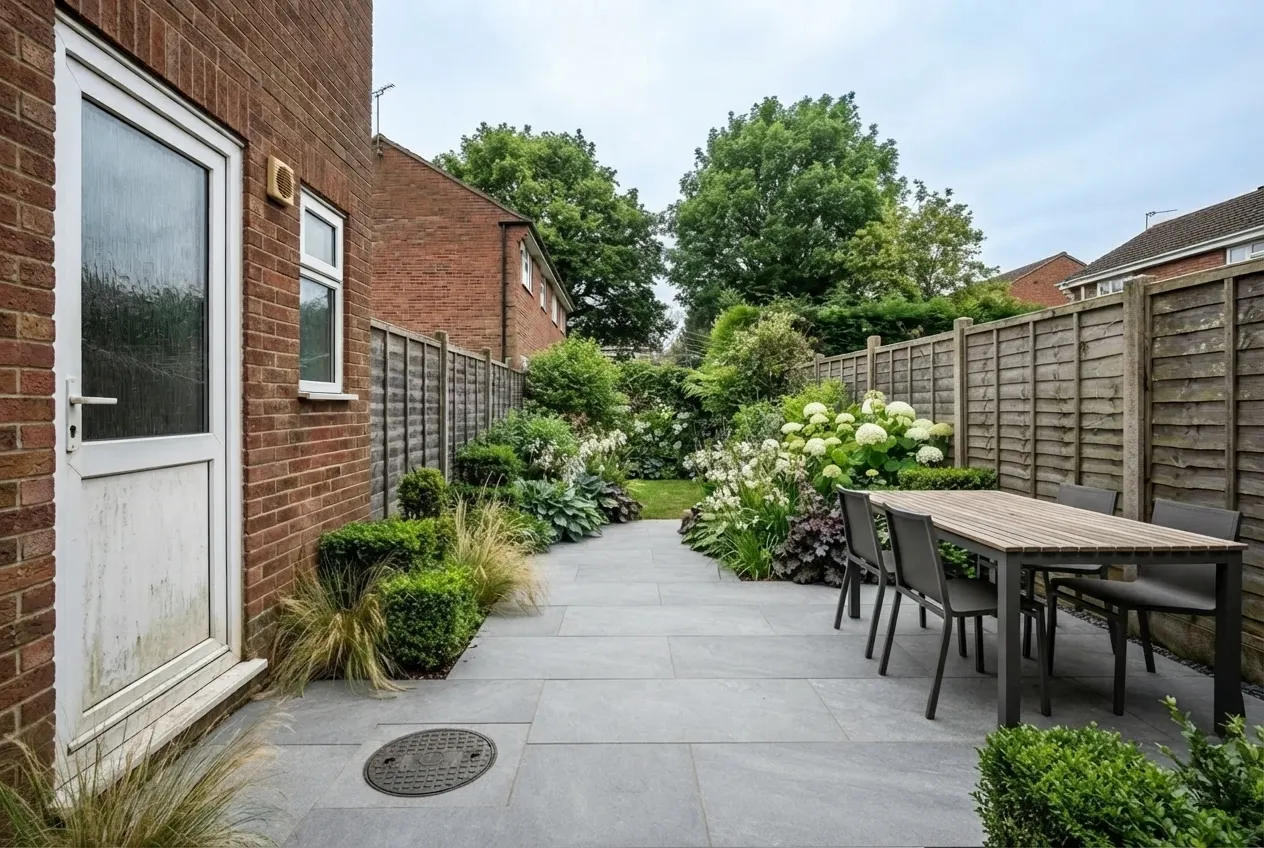 After
After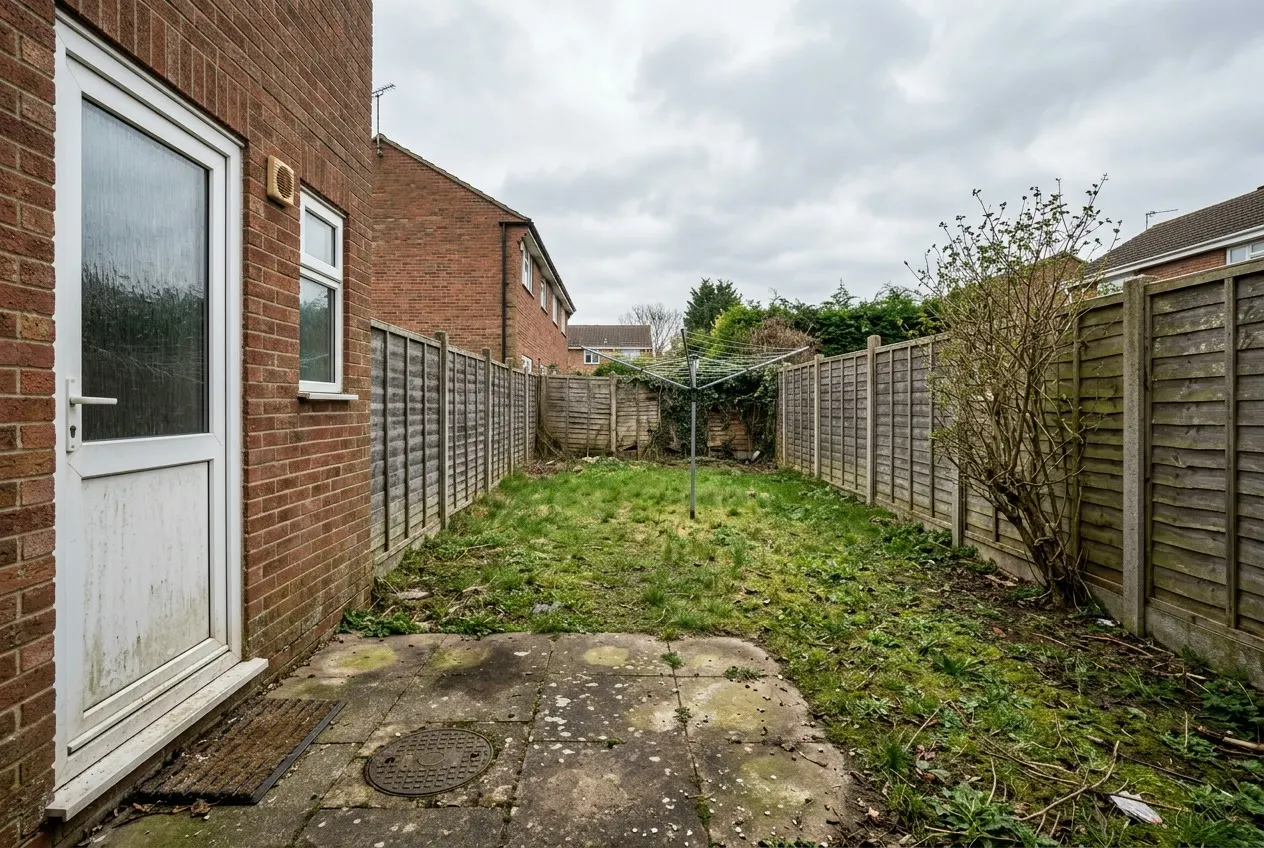 Before
A patchy lawn and a stained patio, redrawn as a garden — inside the same boundaries.
2cGenerated by this product in August 2026 · template garden_design v1 · source: generated with nano banana 2 (text-to-image), by this pipeline
What it leaves alone
The house, the boundary, the ground levels and the view from where you stood all stay exactly as photographed. Everything between them — paving, beds, lawn, planting and where you sit — is redesigned.
Carried by the operation’s prompt template, whose id and version are recorded on every job — so a result can be explained, or reproduced, long after it was made.
What you choose
Every option below is offered by this operation in the studio, and the illustrated ones are shown as photographs there rather than named in a dropdown.
Garden style8 options
- Contemporary
- Cottage
- Mediterranean
- Japanese
- Low maintenance
- Wildlife
- Formal
- Kitchen garden
What it is for4 options
- Entertaining
- Family
- A quiet corner
- Growing food
Season3 options
- Spring
- Summer
- Autumn
How grown in2 options
- Newly planted
- Grown in
Quality12 options
- Good · 1K
- Better · 1K
- Much better · 1K
- Excellent · 1K
- Incredible · 1K
- Good · 2K
- Better · 2K
- Much better · 2K
- Excellent · 2K
- Incredible · 2K
- Excellent · 4K
- Incredible · 4K
How it works
- 01
Upload the photograph
The property from the street in even daylight, with the whole roofline in frame. Nothing else is needed — no 3D model, no measurements, no site visit.
- 02
Set the direction
Choose garden style, what it is for, season, how grown in and quality. Add a sentence of your own if something specific matters.
- 03
Generate
Garden Design costs 2 credits at these settings, and the price is on the button before you press it. One image, or several variants to choose between.
Questions
- What does Garden Design cost?
- 2 credits at the default settings. Each additional variant of the same image is another 2, because a variant is another generation. Credits are reserved before the model runs and returned in full on every path that does not deliver an image, so a failed generation costs nothing.
- What do I need to upload for Garden Design?
- The property from the street in even daylight, with the whole roofline in frame. A photograph taken on a phone is enough — there is no 3D model, measurement or site visit involved.
- Does Garden Design change anything I did not ask it to?
- The house, the boundary, the ground levels and the view from where you stood all stay exactly as photographed. Everything between them — paving, beds, lawn, planting and where you sit — is redesigned. That constraint is written into the operation's prompt template, and the template's id and version are recorded on every job, so any result can be explained or reproduced later.
- Do I have to disclose an image made with Garden Design?
- In a property listing, yes. The result is a digitally altered photograph, and every market that has ruled on it requires that to be labelled where the image appears. Vizydesign keeps the original alongside every result so the unaltered frame is always retrievable.
Try it on a photograph you already have.
One upload is enough to see whether this works on your kind of photograph. The free plan needs no card.
Start free