Image Upscale
Increase resolution for print and large-format listings.
- Cost
- 4 credits
- Takes
- A photograph
- Returns
- One enlarged image, at print resolution
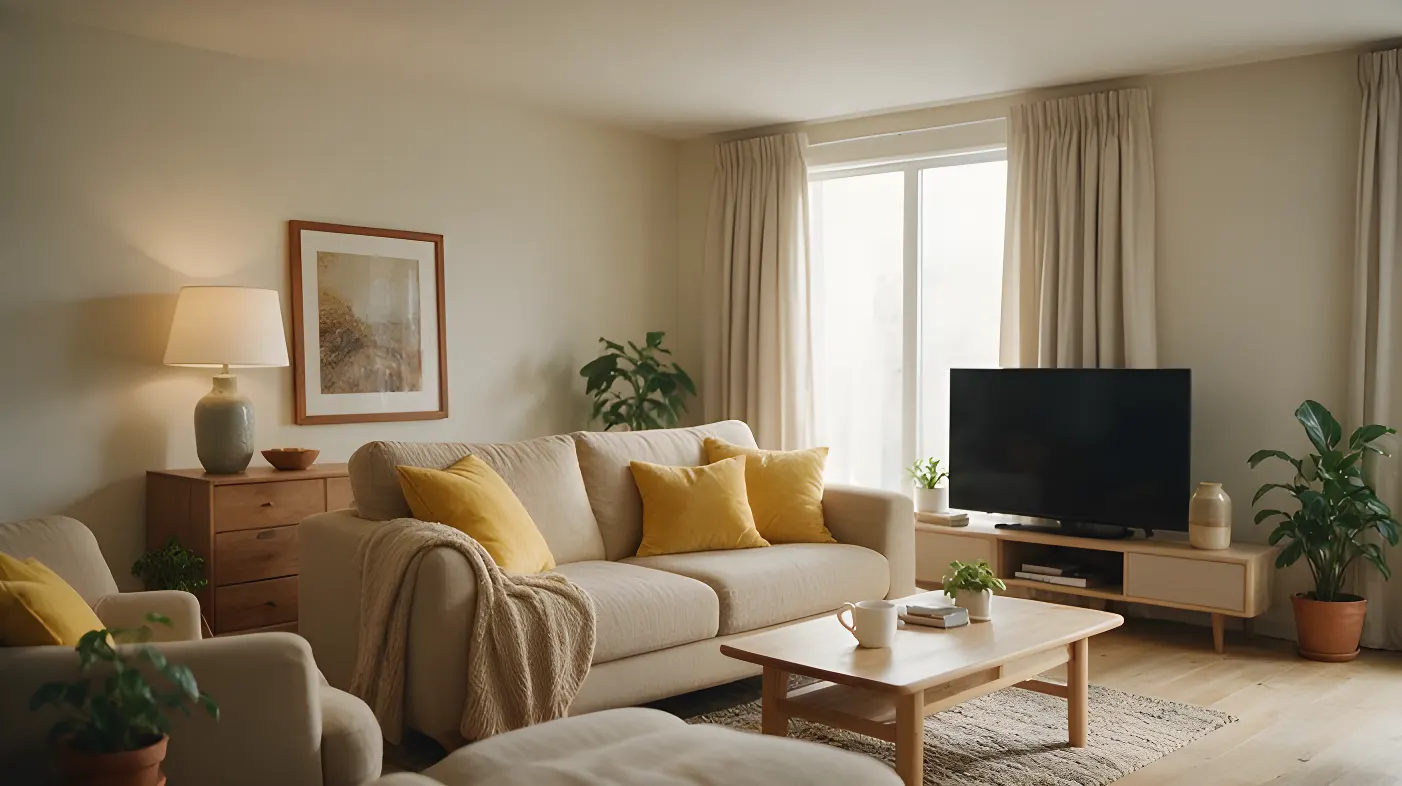 After
After Before
Twice the resolution, for print and large-format listings.
2cGenerated by this product in July 2026 · source: generated with kie ai seedream 5 pro
What you choose
Every option below is offered by this operation in the studio, and the illustrated ones are shown as photographs there rather than named in a dropdown.
Scale2 options
- 2× resolution
- 4× resolution
How it works
- 01
Upload the photograph
A straight-on shot of the room, well lit. Nothing else is needed — no 3D model, no measurements, no site visit.
- 02
Set the direction
Choose scale.
- 03
Generate
Image Upscale costs 4 credits at these settings, and the price is on the button before you press it. One enlarged image, at print resolution.
Questions
- What does Image Upscale cost?
- 4 credits at the default settings. Credits are reserved before the model runs and returned in full on every path that does not deliver an image, so a failed generation costs nothing.
- What do I need to upload for Image Upscale?
- A straight-on shot of the room, well lit. A photograph taken on a phone is enough — there is no 3D model, measurement or site visit involved.
Read next
- How an estate agent runs a listing through virtual staging
The order the operations go in, what it costs for a whole listing, and the sequencing mistake that makes agents pay twice for the same room.
Also in Enhance
Try it on a photograph you already have.
One upload is enough to see whether this works on your kind of photograph. The free plan needs no card.
Start free